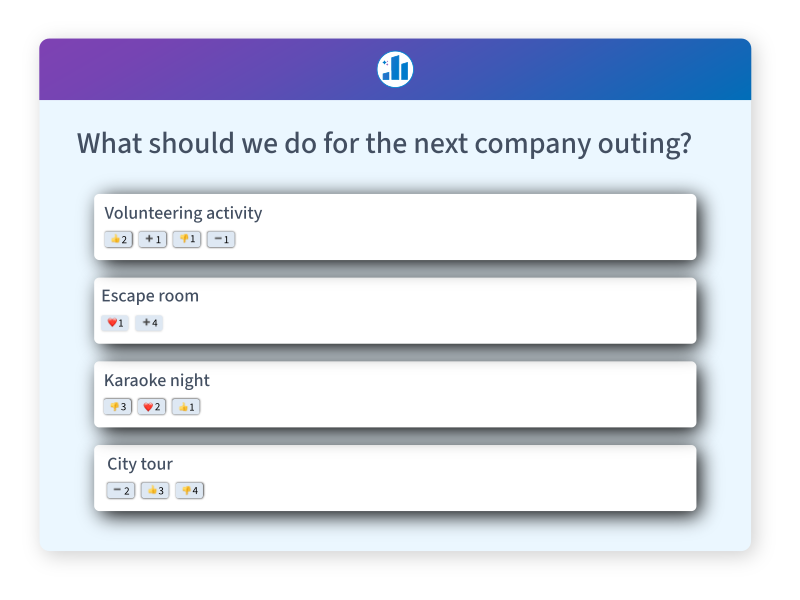
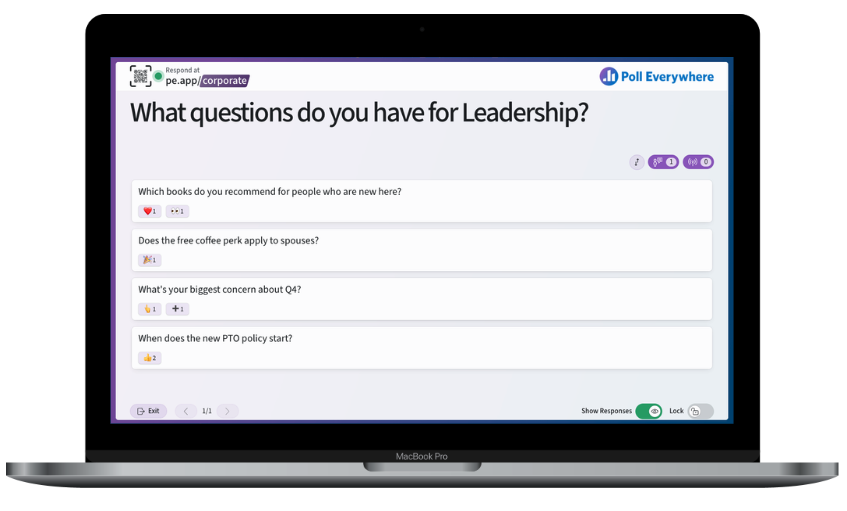












You ask a question

When you make a poll, you choose what type of question you want to ask. You can ask people a multiple choice question or let them respond freely with any text reply. We love simplicity. We made creating polls extremely easy.

Ask the audience using multiple choice polls or let them reply with any text response. Create end edit your text message (SMS) polls with ease through the web-based Poll Everywhere editor.

Open your poll to allow voting or free-text responses

You control when a poll is open or closed. Open your polls before your event and close them shortly thereafter to prevent additional responses.

Open your poll to allow it to receive votes.

You can choose whether a poll should allow multiple responses from the same person. Poll Everywhere can tell if their computer or cell phone number is trying to vote a second time.

Charts update live as people respond

Watch votes as they are received in real-time

There are three ways to vote: sending a SMS text message, using a smartphone's web browser, or on a computer via the web. To vote with text messages, the audience follows the on-screen instructions and sends a text message with a short phrase (e.g. "CAST 5678") to our short code, 41411. When Poll Everywhere receives a response, the results are updated on our animated charts (for multiple choice polls) or our text wall (for free text polls). You may decide to project the live results on screen for some types of events.

Your audience votes with their cell phones by sending the option number to our number, 41411.

Trusted and secure

MIT trusted Poll Everywhere to power audience choice voting that awarded $10,000 to a presenting team. The event and Poll Everywhere was featured in the Boston Globe.

MIT chose Poll Everywhere to captivate an audience and award $10,000

Smartphone and Web Voting

Save on text messaging fees by voting from a smartphone or a computer

Smartphone web voting on the iPhone or other smartphones

People with iPhones, BlackBerries, and other smartphones can use their mobile phone's web browser to vote instead of sending text messages. Your phone's web browser can respond to polls at the convenient and short poll4.com. Read more about smartphone web voting in Poll Everywhere.

Unlike many SMS products, we didn't neglect regular computer users. Distribute the web voting link via email or a web page, and your audience can respond in a regular web browser. This is particularly useful for segmented audiences such as live webcasts, or if members of the audience are using laptops and don't have a phone.

Text message, web, and smartphone responses can be instantly combined.

Embed SMS and polls in your blog or web page.

Download polls as Microsoft PowerPoint slides

Live slides react to votes with no PPT add-ons required

Downloaded Poll Everywhere slides will respond instantly to votes and free text responses with no software to install. The polls can be copied and resized as needed. The colors and font sizes in the poll can be customized to match the look and feel of your presentation.

Insert polls in PowerPoint

Download results and identify your voters using reports

View, export, and download results

See exactly when each vote or response was received by viewing the detailed poll results. Results can download as CSV files for analysis in any spreadsheet application, such as Microsoft Excel.

View poll details in XML or as a spreadsheet

Customers who have upgraded to a premium plan can tie together a voter's responses across multiple polls using the Reports tab. If you ask your audience "What is your name?" (or phone number or student ID), and then later ask "What is your sales budget this year?" you can see who voted for each option. Letting your audience identify themselves preserves their privacy.

Identify voters by correlating votes or responses

Publish polls on your blog or website

Our flash widgets make it easy

Quickly publish the outcome of polls in web pages, blog posts, web forums, a conference website, courseware, digital signage, interactive art displays - pretty much anything that works in a web browser.

Easily embed Poll Everywhere polls into your blog, webpage, myspace page, Google page, or Facebook profile with our widget

Try Poll Everywhere right now, risk-free

Sign up for our free plan with absolutely no risk or obligation. If you like Poll Everywhere and need to receive more than 30 responses per poll, you can upgrade to a larger plan and upgrade or downgrade whenever you like.