Presenter Notes & Best Practices

Helping you teach your audience how to respond

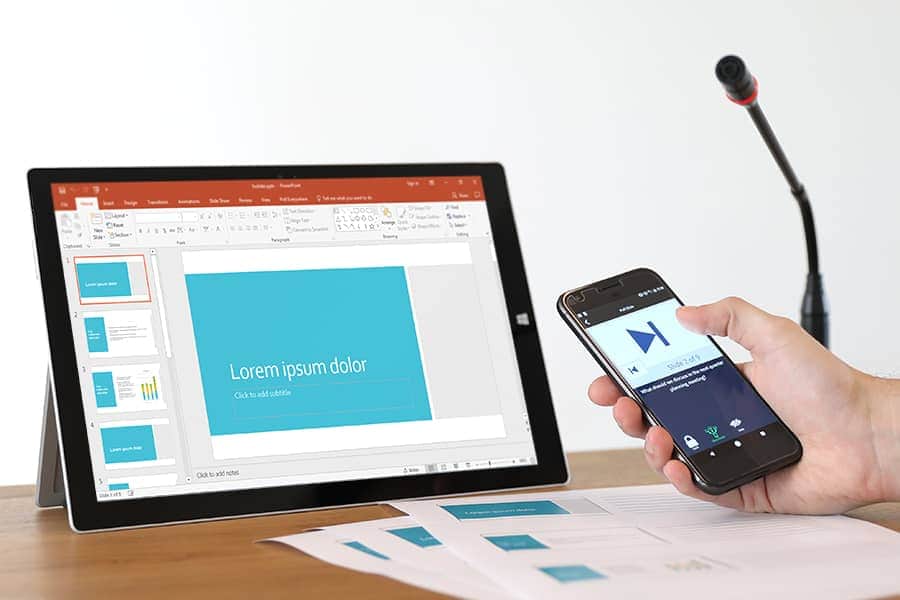
We want you to be successful using Poll Everywhere. Since we're a self-service, easy to use product, we understand that for some audiences, it can be their first time sending a text message or using their smartphone/laptop to respond in real-time. Our instructions on each poll chart are short but also imply that the audience mostly already "gets it" when it comes to sending a text message. By downloading our slide notes for Presenters, you can use some of the graphics and instructional "cues" that we provide to better help you, the presenter or person hosting your event or polls, to provide more clarity to the audience on how to vote, perhaps for the first time.

Download formats

Other Best Practices using Poll Everywhere

First-time presenters with first-time audiences may wish to hear what our own best practices are. There isn't a single right-way because it can be used in many different ways. However, we've compiled some our best practices to be shared with you for use in presentations with a live audiences. We hope you find these additional best practices useful.

Download formats